@archiveafterdark
Archive After Dark
Vintage fashion and closet finds
Auction Compass Stream Mail
Send the seller basics, buy the first 100-card order for $89, approve a design, then place polished 4x6 cards in packages so buyers remember to scan, follow, rate, and return.
First order
100 cards
Price
$89
Proof
Design approval first
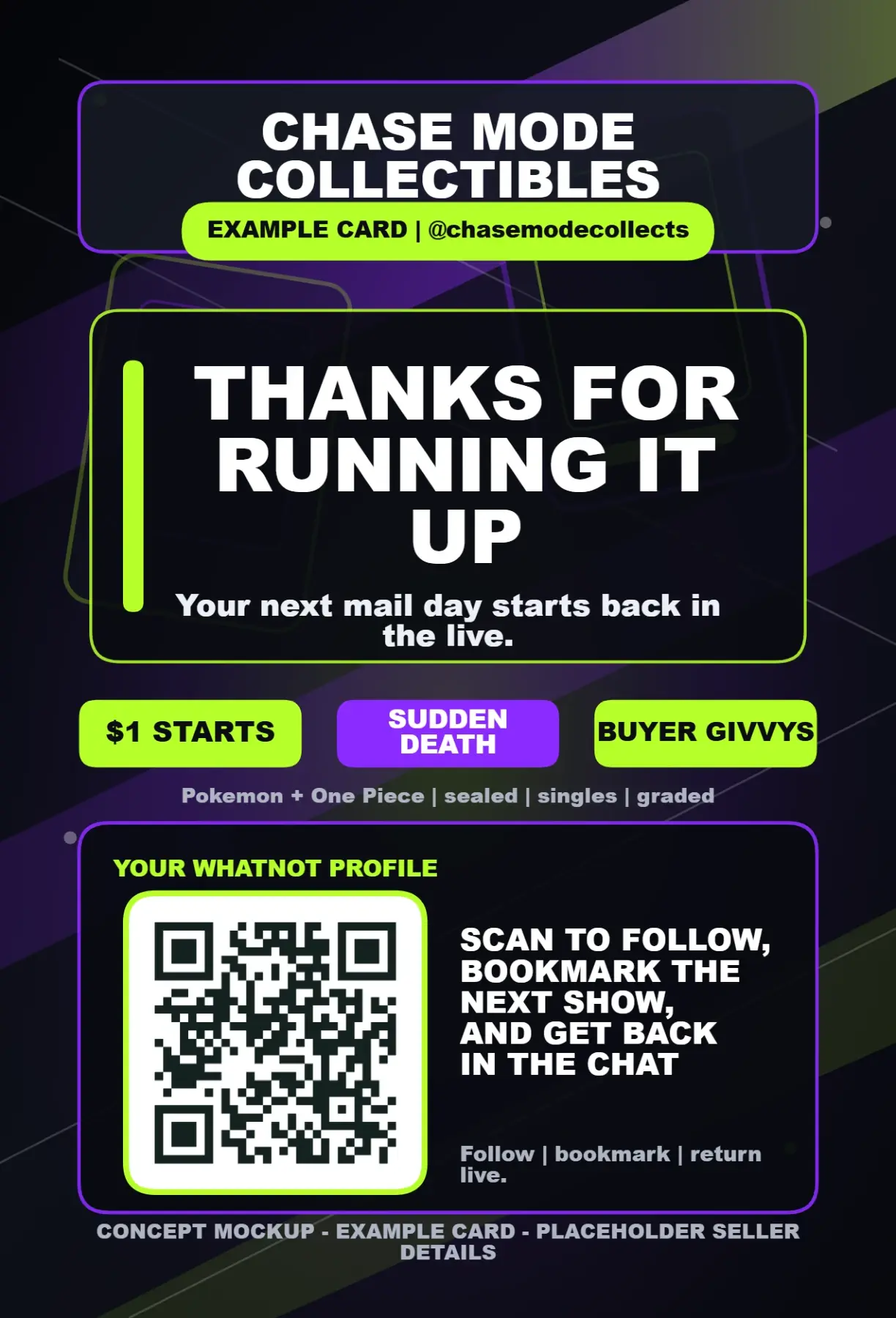
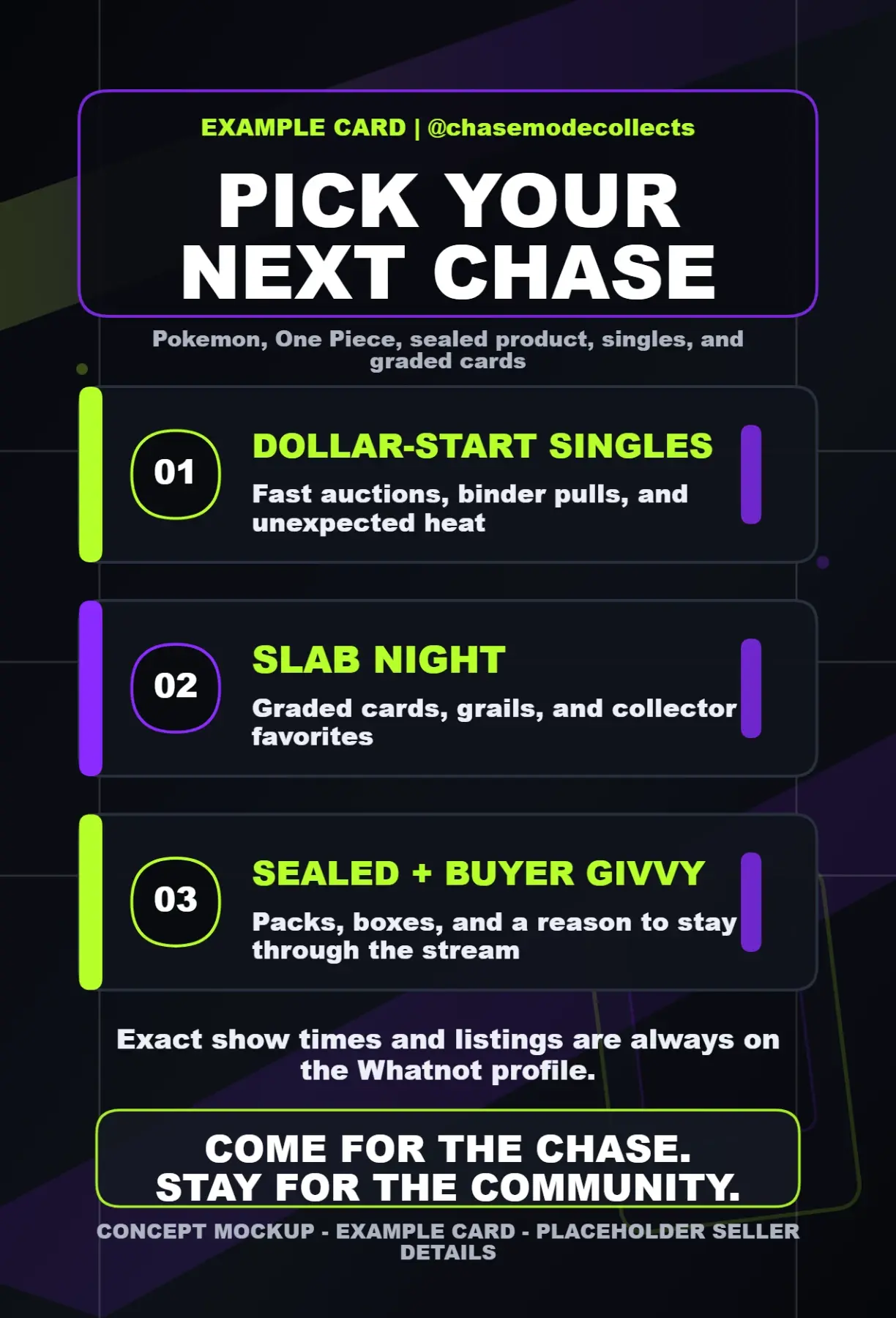
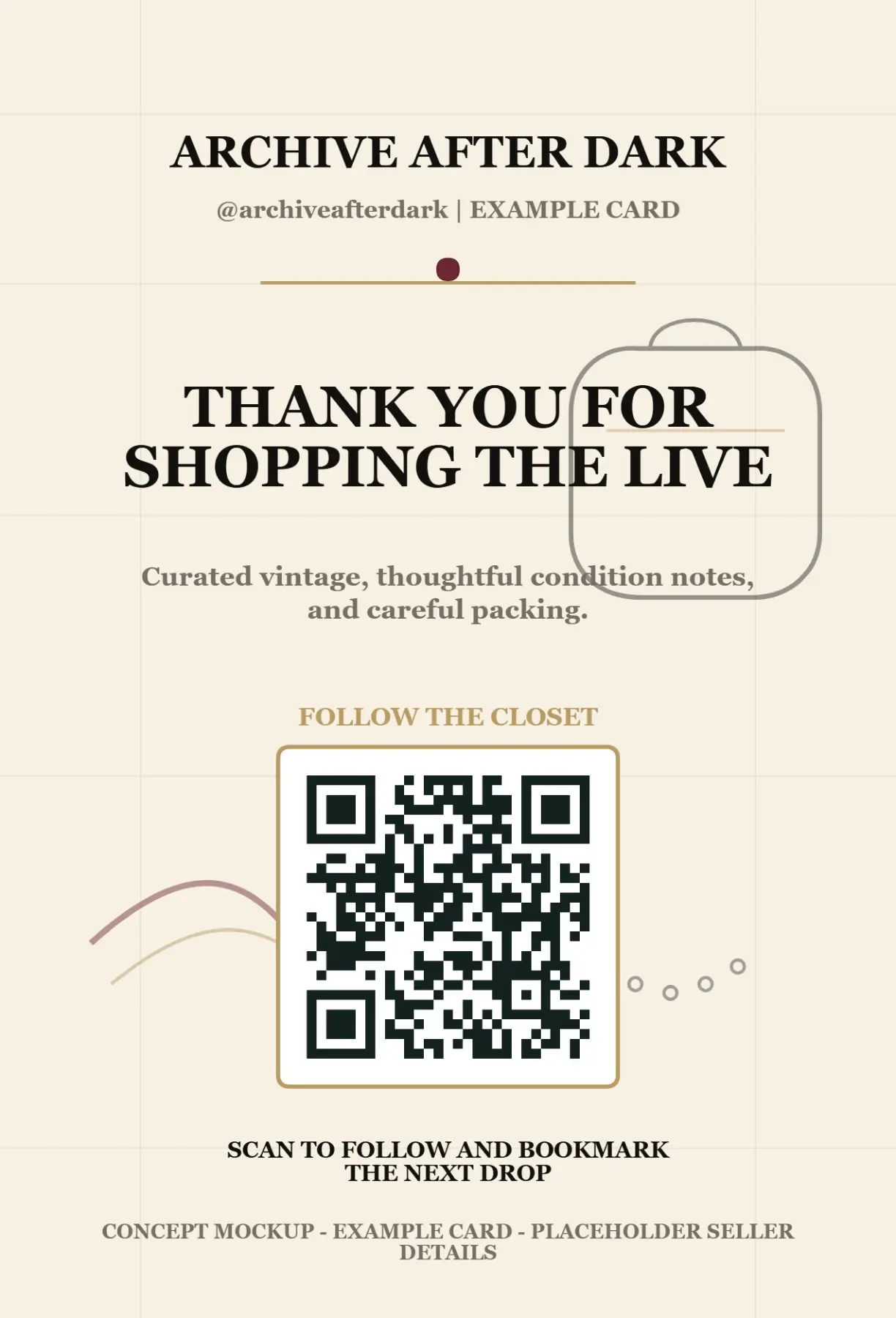
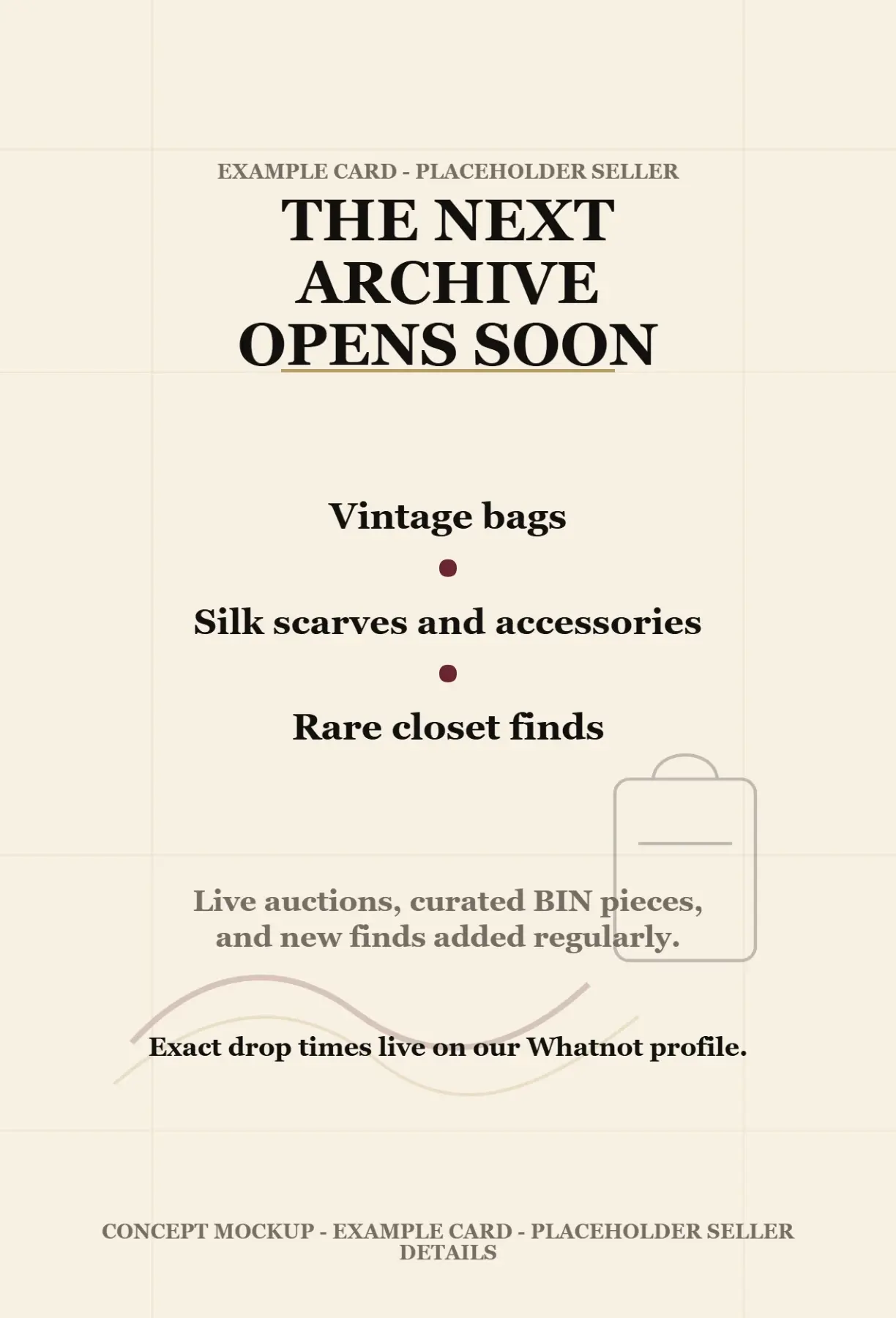
Product images
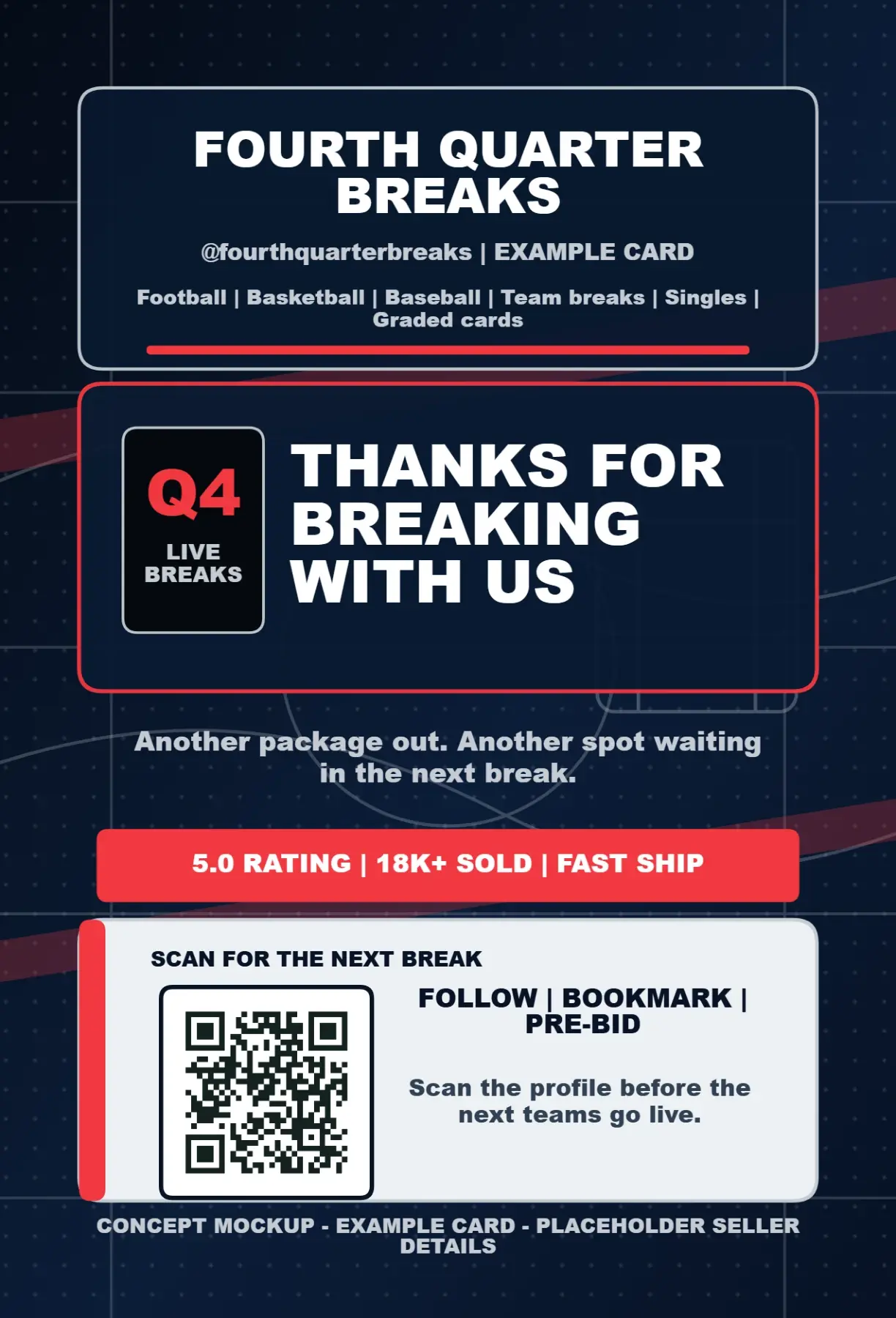
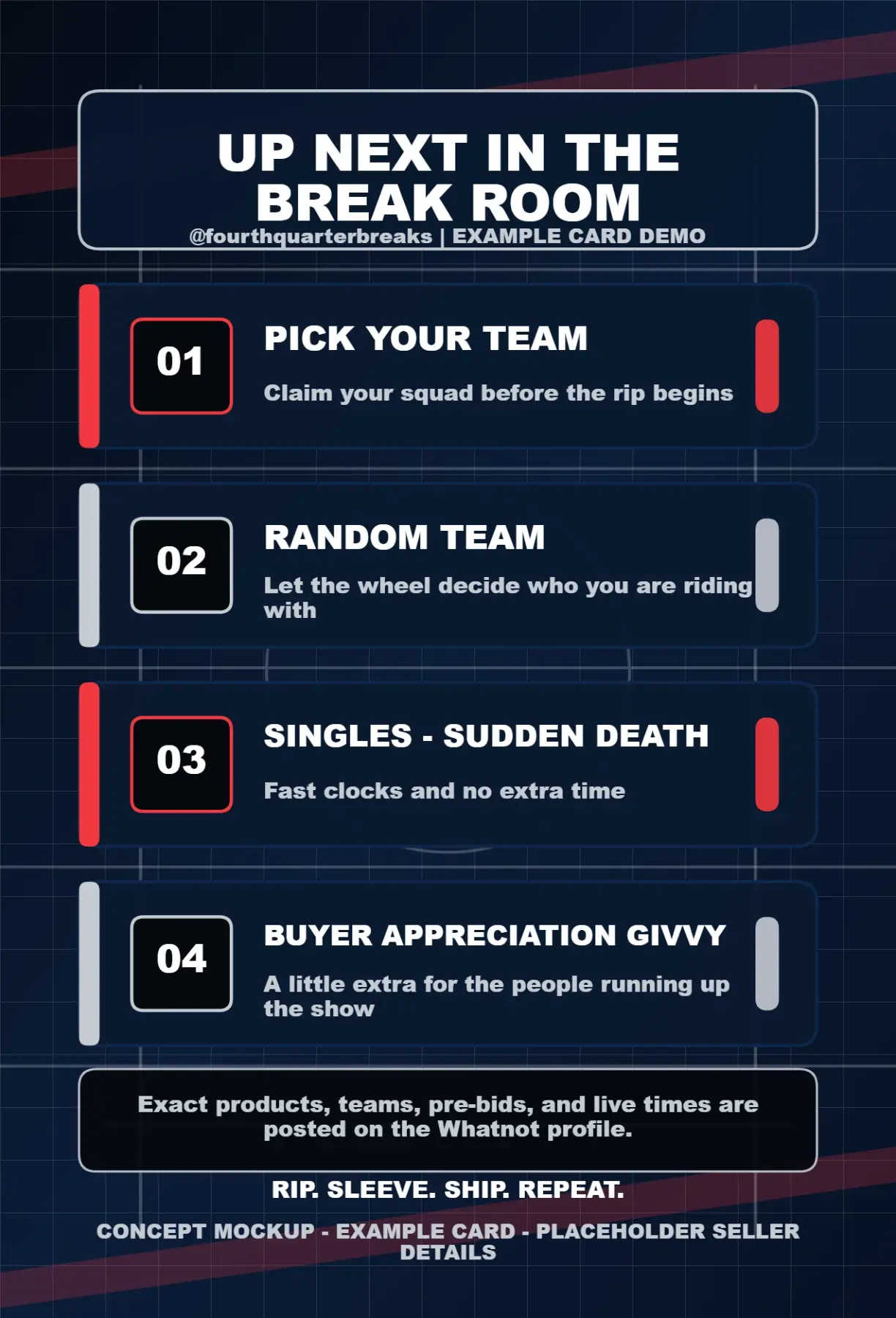
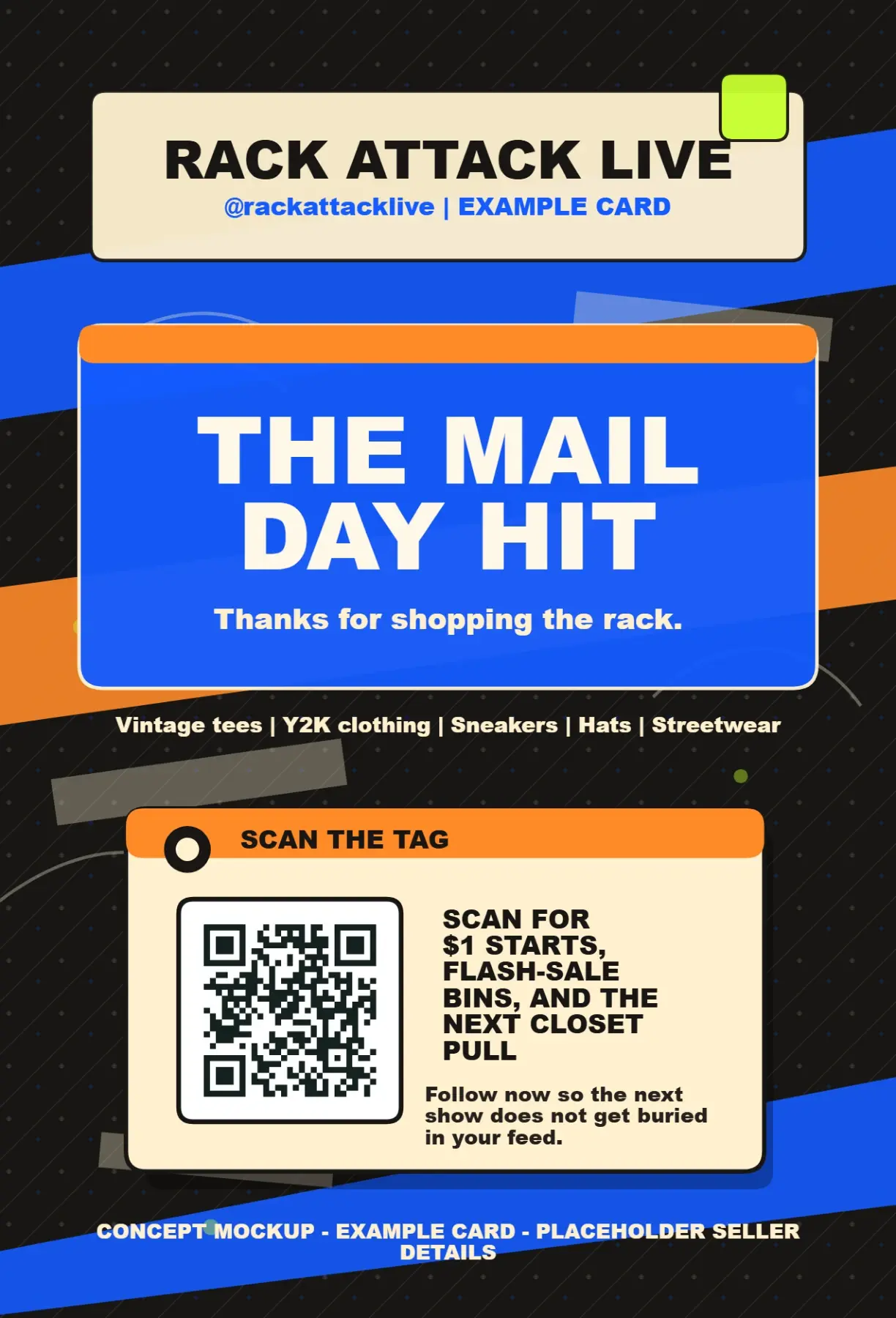
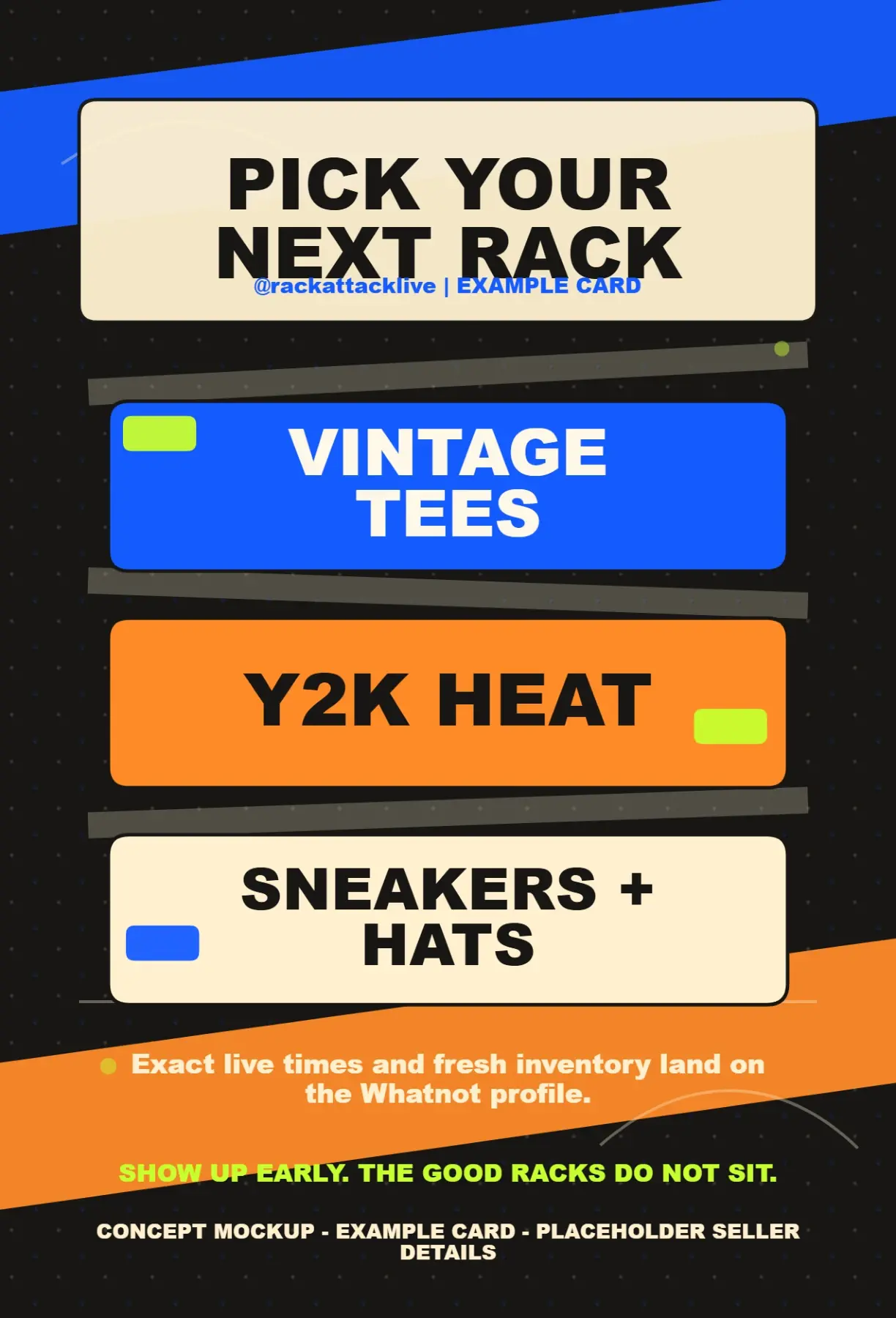
These examples show how the same buyer reminder can feel specific to sports cards, TCG, fashion, collectibles, and mixed inventory sellers.
Still choosing the message? Start with the Whatnot thank-you card package insert ideas before requesting a printed card.
Read 12 insert ideasAuction Compass is an independent product and is not affiliated with, endorsed by, or sponsored by Whatnot.
@archiveafterdark
Vintage fashion and closet finds
@chasemodecollects
Pokemon, One Piece, sealed product, singles, and graded cards
@fourthquarterbreaks
Football, basketball, baseball, and trading card breaks
@rackattacklive
Vintage tees, Y2K clothing, sneakers, hats, and streetwear
@shelflifefinds
Toys, comics, and football finds
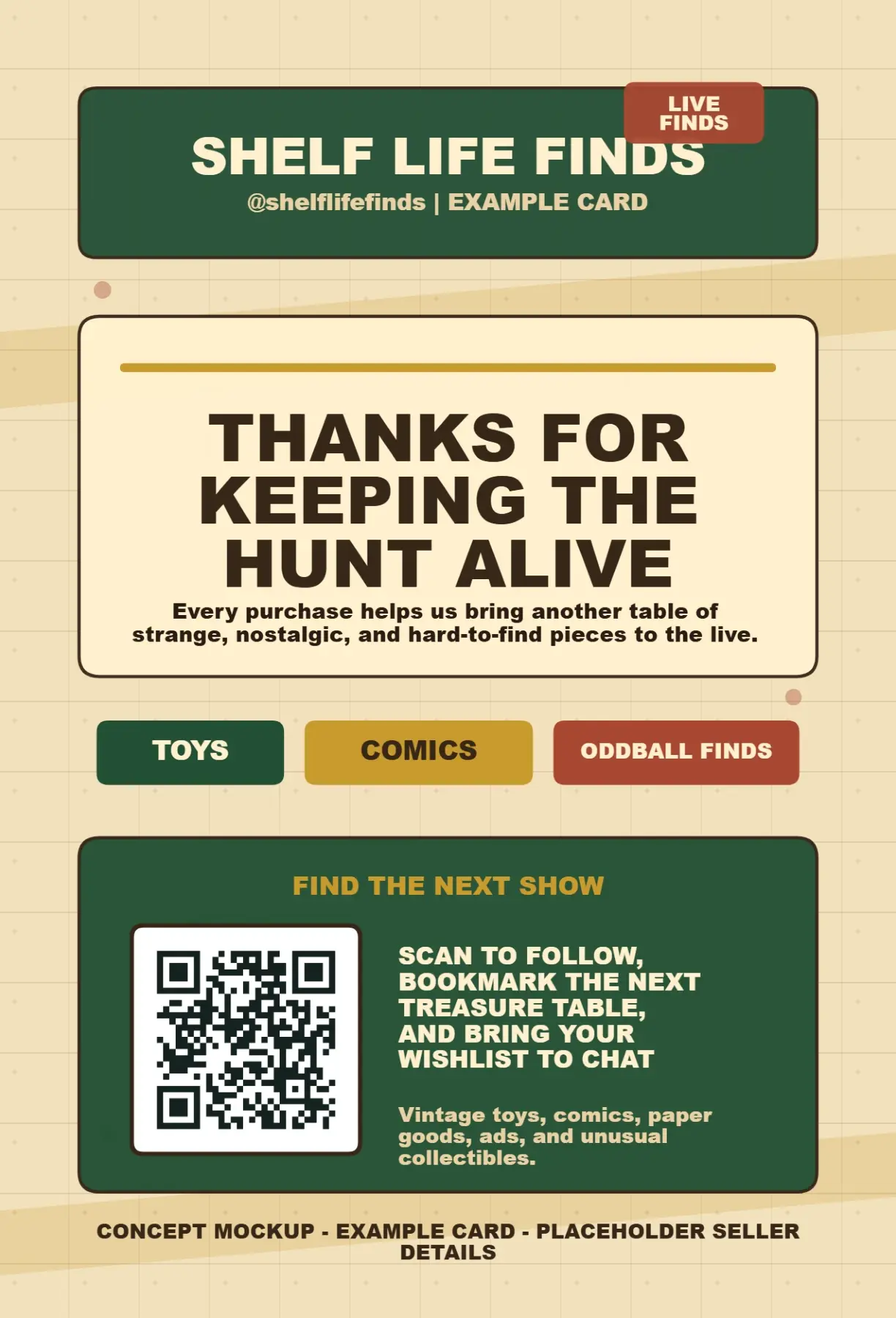
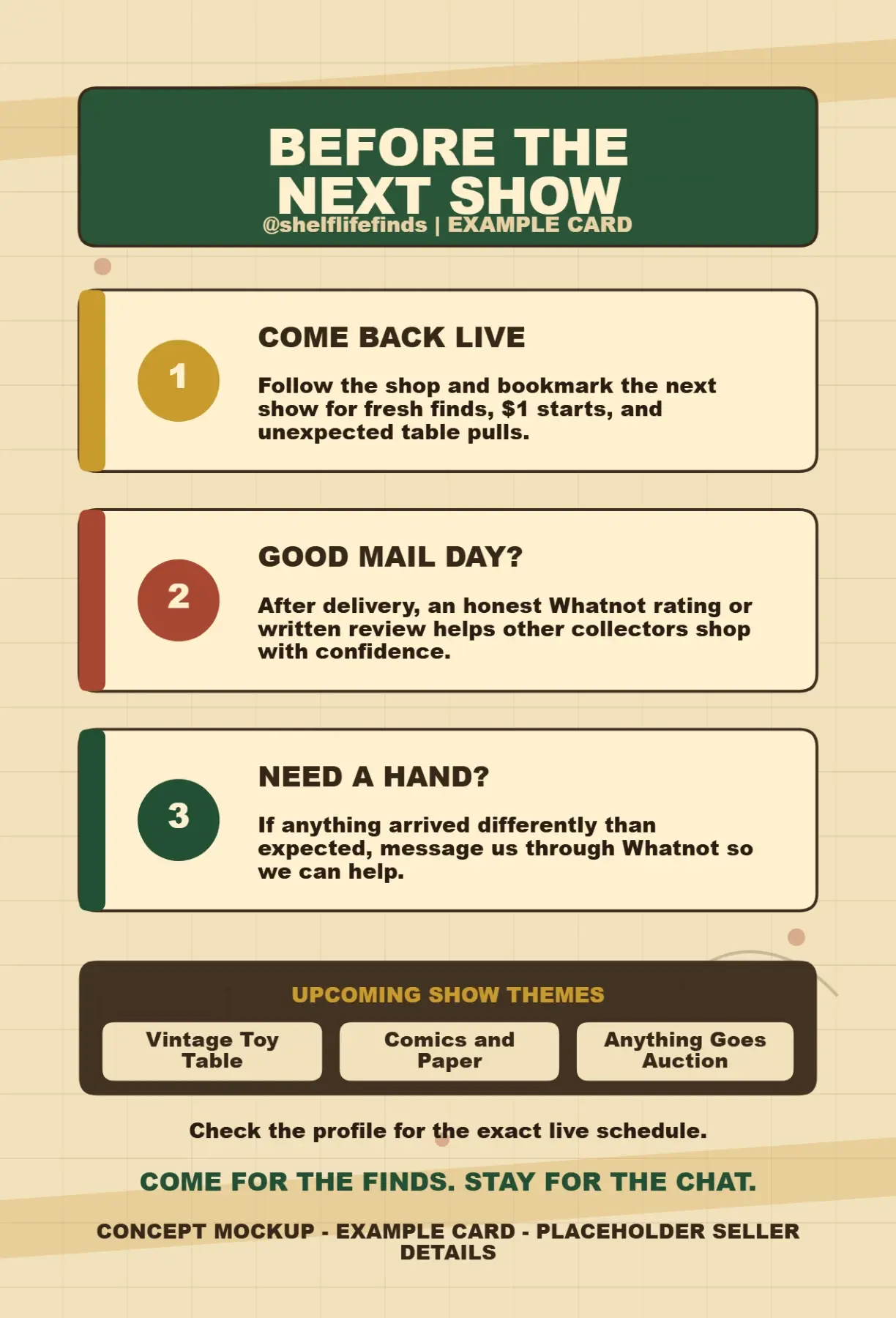
How we make the cards
The first order keeps the process focused: collect the seller signal, make a few card directions, approve one, print, ship, and use every package as a reminder for the next live moment.
Step 1
You send your email, Whatnot handle, category, monthly shipment range, and the main buyer action.
Step 2
We turn the seller notes into polished front/back card directions with QR placement and clear hierarchy.
Step 3
You choose the version that best fits your stream, and we tighten copy, QR details, and print setup.
Step 4
The approved 4x6 cards go to print and ship to the address confirmed during proofing.
Step 5
You place cards inside outgoing packages so buyers have a physical reminder to scan, follow, and return.
Step 6
Every shipment has a better chance to prompt a rating, follow, bookmark, or next-show return.
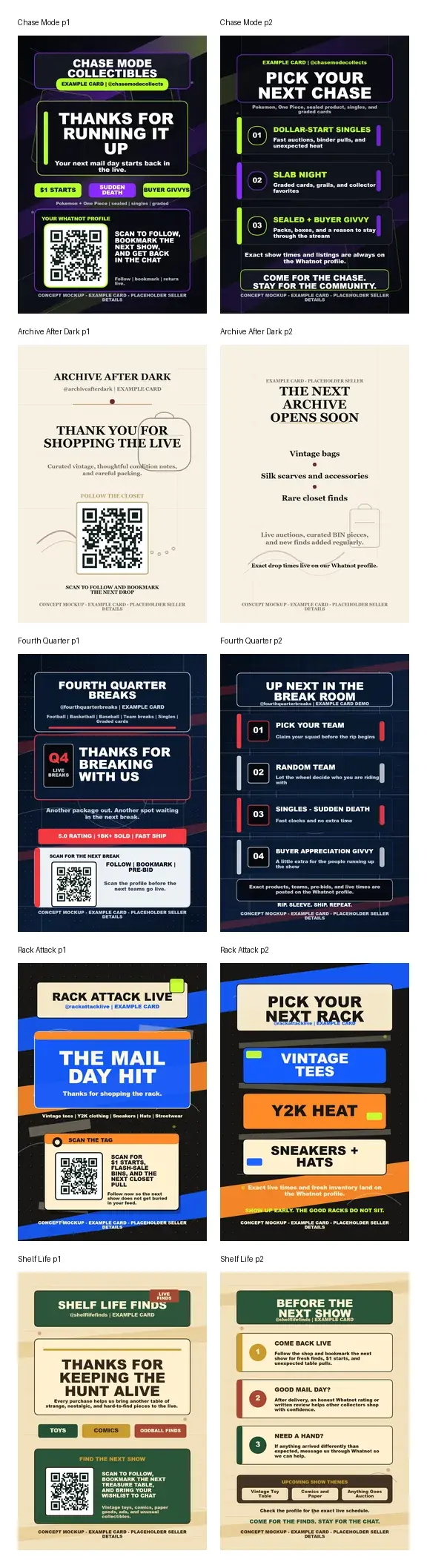
A few directions let you compare tone, layout, QR placement, and buyer prompt strength.
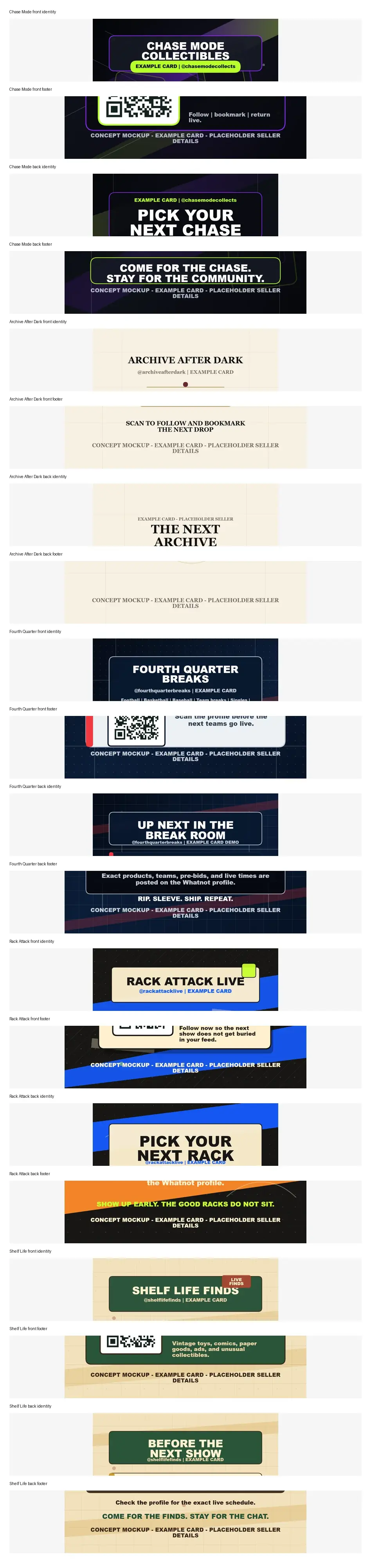
We check identity, footer copy, QR zones, safe margins, and readability before print.
Pricing
All price points are shown, but only the first order can be purchased here. Larger batches unlock after your first design is approved.
Required first order
$89
Start here so we can prove the card design, QR path, and buyer reminder before larger runs.
SelectedAvailable after your first order
$149
For sellers who already approved a first card and want a larger repeat run.
Locked
Available after your first order
$249
For higher-volume reorders once the first design is approved and ready to repeat.
Locked
Send the seller basics, then checkout for the first 100 cards. We use these details to design a few versions for approval before print.
FAQ
The first public checkout is limited to 100 cards for $89. The 250-card and 500-card tiers are shown for reorders after the first design is approved.
The form saves your seller details, then sends you to Stripe Checkout for the 100-card order. After payment, we design a few versions for you to approve before print.
Use a Whatnot-safe destination such as your Whatnot profile, store, or a scheduled show link. The proofing step includes a QR destination check before print.
No. The buyer-facing insert should focus on follows, bookmarks, schedules, ratings, and show reminders, not off-platform purchase, payment, or buyer-support paths.
The public timing promise is shipping in 7 days after proof approval. The clock starts once seller assets are received, the proof is approved, and the print-ready file is confirmed.
Auction Compass is an independent product and is not affiliated with, endorsed by, or sponsored by Whatnot.